

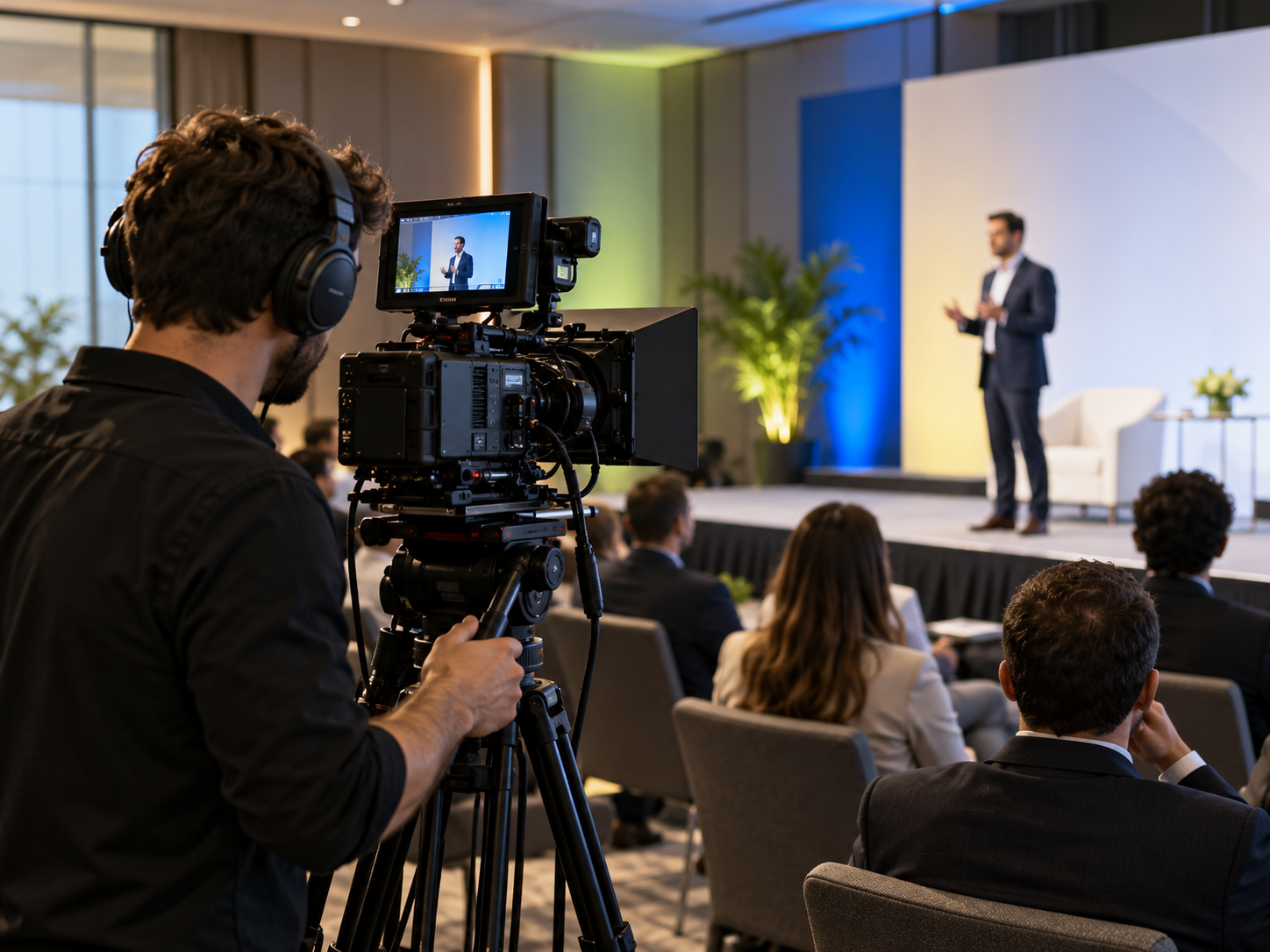
B2B conference video production is easiest to manage when the team decides what the footage must help someone do after the event. A camera can record every session and still leave marketing with hours of material that has no clear audience, approval path, or usable next step. Treat the shoot as a small editorial operation: define the deliverables, design the capture plan around the run of show, and protect the audio and permissions that make the footage publishable.
This is a production guide for in-person conferences and customer events. For individual customer stories, see the B2B customer interview shoot plan; for discoverability after editing, see the B2B video SEO guide.
Choose the post-event decision before choosing the gear
Start with the viewer and the job the video should support. A person evaluating a speaker’s expertise needs a different cut from an attendee who wants the full session, and both need something different from a prospect deciding whether to attend next year. Name the main audience, the question they have, the evidence the event can capture, and the next useful action.
- Session archive: preserve the full talk, slides, speaker context, and useful chapters for attendees who could not join live.
- Event highlight: show the atmosphere and reasons to attend; plan for venue details, activity, and transitions, not only podium footage.
- Speaker or customer clips: capture approved answers to a few concrete questions, with enough context to make each excerpt understandable.
- Short social edits: identify statements or demonstrations that work on their own, then leave room in the frame for captions and format crops.
Choose one primary deliverable and a short list of secondary assets. That decision sets the number of cameras, interview windows, audio requirements, release checks, and editing hours. If the plan cannot name who will approve each output, the planned asset is not production-ready yet.
Turn the event schedule into a camera run of show
The venue agenda tells attendees when sessions happen. The camera run of show tells the crew what must be captured, from where, and by whom. Build a row for each priority moment with the start time, room, output, camera position, audio source, speaker or host, and a named production contact. Flag late changes in one shared version so the operator is not relying on an outdated PDF.
- Reserve arrival and room-establishing footage before attendees fill every aisle.
- Mark speaker walk-ons, panel handoffs, demonstrations, audience questions, and any slide or screen moments that carry evidence.
- Schedule interviews in a quiet location with enough reset time between guests; do not assume a hallway will stay quiet.
- Protect camera access and sightlines with the venue team, including areas that must remain clear for attendees or accessibility.
- Name the person authorized to change priorities if a session runs late or a speaker cancels.
AVIXA’s event-planning resource is a useful prompt for coordinating audiovisual needs with the venue and technical team. Use it before the show to confirm who owns the screens, playback, lighting cues, recording feed, and onsite decisions. A separate camera run of show keeps those technical choices connected to the story the edit must tell.
Protect speech before adding more shots
A clean speech track is usually more valuable than one extra camera angle. Ask the event AV lead whether a suitable console feed can be recorded, what connector and signal it provides, and whether the mix includes every speaker and audience question. A board feed can sound dry or miss room reactions, so plan a room microphone or a separate ambient track when the edit needs audience context.
Before doors open, record a short test with the actual speaker microphone and play it back on headphones. Check level, clipping, hum, echo, channel routing, and whether a question from the audience is audible. AVIXA’s audio recording checklist highlights microphone position, gain, room noise, routing, and test-recording verification; turn those checks into a named preflight task, not an assumption.
Keep a backup path for critical sessions: a second recorder or camera feed, spare batteries and cards, and an operator who confirms that recording has actually started. A red tally light is not proof that the file is usable. Check the first file before the next session begins.
Write a shot list around story beats
A useful shot list gives each shot a job. It prevents the editor from receiving many similar podium angles but no opening, transition, or evidence that makes the final cut coherent. For each item, note the intended use and the person responsible for capturing it.
- Establish the event: venue exterior or sign, room before the session, stage, and a wide audience frame.
- Capture the speaker: a stable wide master, a medium shot, and a close view for key moments; keep slides readable when they matter.
- Show participation: questions, note-taking, demonstrations, or discussion, while following the event’s attendee-privacy rules.
- Record the environment: registration, product stations, sponsor areas, and networking only where the organizer has approved filming.
- Plan interviews: medium framing, clean background, eye line, and enough quiet space for complete answers.
- Collect edit transitions: room details, hands at work, walk-ups, and non-identifying crowd movement that can bridge sections.
Give operators the reason behind the shot, not only the shot label. “Capture a customer workflow demo for the recap” is more useful than “get b-roll,” because the operator can protect the screen and choose the right angle.
Set permissions and privacy boundaries before filming
A production checklist should assign an owner to each permission question. Confirm that speakers understand the intended uses and review process; verify rights to slides, music, logos, and third-party material; and agree with the organizer on attendee notice, filming zones, and any opt-out process. Requirements vary by venue and location, so have the organizer or counsel confirm the applicable release and notice process.
- Use approved presentation files and demo accounts; hide customer names, private messages, attendee badges, and confidential slides.
- Tell interview guests where the clips may appear, who reviews them, and what kinds of factual corrections are allowed.
- Record restrictions for sponsors, partner marks, customer logos, and any product screen that requires approval.
- Set a retention and access rule for raw footage, including who may download or share it.
The production team should be able to answer, before recording, what can be published, who can approve it, and what must be removed. That clarity shortens post-production and prevents a technically strong clip from becoming unusable.
Rehearse the venue and protect the files
Scout the room or request a technical walkthrough. Check camera positions against screens, exits, audience sightlines, power, lighting changes, and the path from the stage to the interview area. Run a brief rehearsal with the actual presentation source and audio feed; a room that looks quiet during setup can change when HVAC, audience, and stage playback are active.
Use one file naming pattern such as event-session-speaker-camera-date, and keep a simple capture log with the file name, timecode, speaker, and any issue the editor should know about. Copy critical files to two verified storage locations before reformatting cards. Keep the camera originals until the editor confirms that both copies open and play.
Edit for reuse, access, and the next action
Create the full-session master first when the archive is important, then make the highlight and short clips from that verified source. Preserve enough context for each excerpt: a name and role, the question being answered, and any qualification that changes the meaning. Do not remove a caveat just to make a quote punchier.
Add accurate captions and a transcript, and check that captions do not cover a product screen or slide. The W3C explains that captions carry speech and relevant non-speech audio; automatic output needs human review because an error can change meaning. Publish each asset with a clear title and a page that explains who it is for. The related video SEO guide covers page context and discovery; for campaign cuts, compare attention with the campaign’s next useful action instead of treating completion rate as proof of impact.
B2B conference video production preflight
- Primary audience, objective, deliverables, and approvers are written down.
- Run of show includes camera position, audio source, owner, and priority moments.
- Speaker, attendee, venue, sponsor, slide, and music permissions have named owners.
- Console feed, room audio, camera settings, test playback, and backup recording are checked.
- Cards, batteries, storage, file names, transfer owner, and raw-footage retention are assigned.
- Captions, transcript, review deadline, publishing page, and post-event distribution are on the calendar.
A successful event shoot is not measured by the number of clips. It is measured by whether the team captures the moments that answer a real audience question, can safely approve them, and can turn them into assets people can actually use.
Sources and related guides
How did this article land?
Choose one reaction. You can change it anytime.