

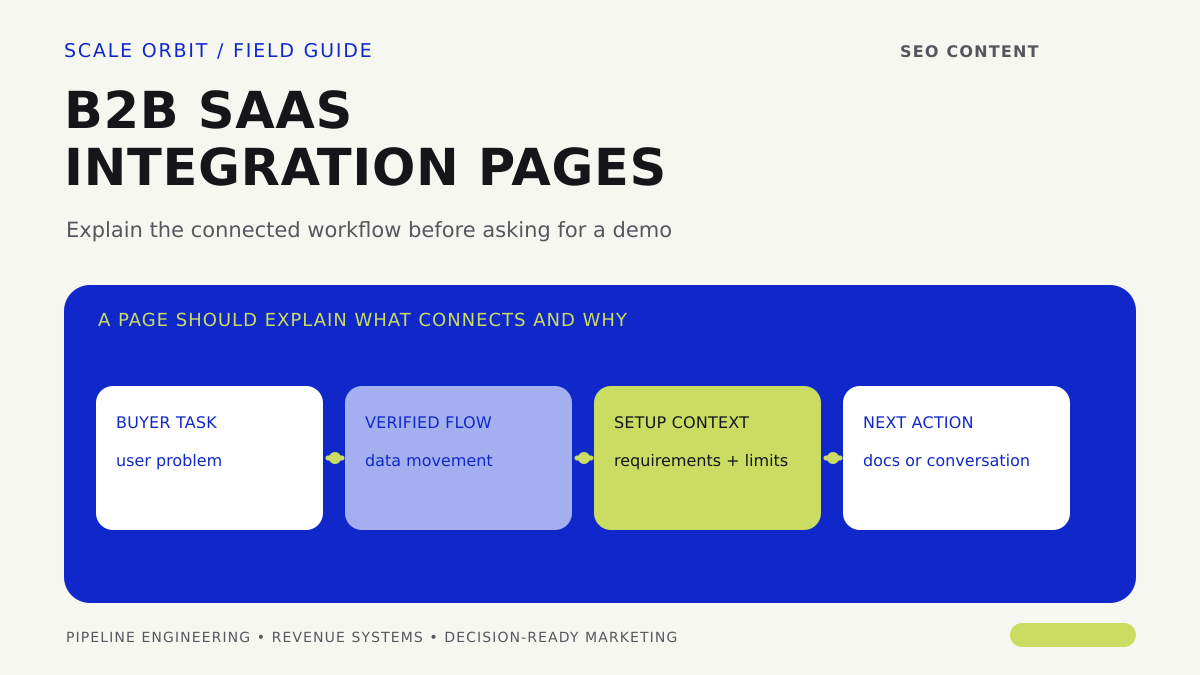
A buyer rarely needs another page that lists a partner logo and says two tools connect. They need to know which workflow the integration supports, what information moves between systems, what setup is required, and whether the connection fits their environment. A useful integration page turns that evaluation task into a clear path to documentation, a product action, or a qualified conversation.
The page is both a content asset and a product promise. Every capability statement must match what the product team currently supports; roadmap intent is not a live integration.

Choose integrations by buyer and operating evidence
Prioritize pages from recurring signals: sales questions, support tickets, implementation friction, product usage, win-loss notes, and requests from target accounts. An integration deserves a page when a specific buyer task recurs and the company can explain the connection accurately. A logo count is not a prioritization method.
Before writing, confirm the product owner, supported versions or configurations where relevant, data direction, setup dependencies, known limitations, support owner, and how the connection is maintained. If the details are not clear, involve product or engineering before publishing.
Answer the buyer’s questions in a useful order
- Task: Which process becomes easier when the systems work together, and for whom?
- Workflow: What triggers the connection, what happens next, and where does a person still need to act?
- Data: What categories of information move, in which direction, and under what conditions?
- Prerequisites: What access, account configuration, permissions, or product plan is needed?
- Limits: What is not synchronized, automated, or supported? State caveats plainly.
- Next step: Should the buyer read setup documentation, start a supported trial, ask a technical question, or speak with sales?
Show the workflow, not only the connector
A simple diagram can reduce ambiguity: source system → event or user action → destination system → downstream task. Use labels that a business buyer understands, then include technical detail for the person who will validate the setup. Explain where exceptions or manual review occur; do not imply that every data field moves automatically.
Use proof that the company can stand behind. That might be a tested workflow description, a product screenshot, an approved customer example, or a link to maintained documentation. Do not claim a connection is native, real-time, bidirectional, or effortless unless the product team confirms those exact characteristics.
Give each page one relevant conversion path
A technical user may want documentation; an executive may need to understand business impact; a prospect evaluating a larger system may need a conversation. Offer a primary next step and a secondary route for a different readiness level. Keep the CTA consistent with what the company can actually deliver.
Avoid mass-producing near-identical pages that change only the integration name. Explain the unique workflow and qualification questions for each connection. The HubSpot implementation checklist illustrates the kinds of data and process questions an implementation may raise; the CRM migration guide covers preserving context across systems.
Measure page behavior through qualified outcomes
Track page visits, documentation engagement, relevant CTA use, product activation where available, and downstream qualified conversations. Keep those events distinct. If traffic grows but suitable inquiries do not, inspect whether the page attracts the right role, whether the workflow is clear, and whether the next step matches buyer intent.
For SaaS businesses, connect content activity to product and CRM evidence only where identifiers and consent rules allow a reliable join. The SaaS attribution guide explains why trials, demos, and revenue should not be collapsed into a single source label.
A strong integration page is specific enough to be useful and precise enough to protect trust. It gives each buyer role a next step and gives the company a measurable way to learn which connected workflows create real commercial interest.
How did this article land?
Choose one reaction. You can change it anytime.