

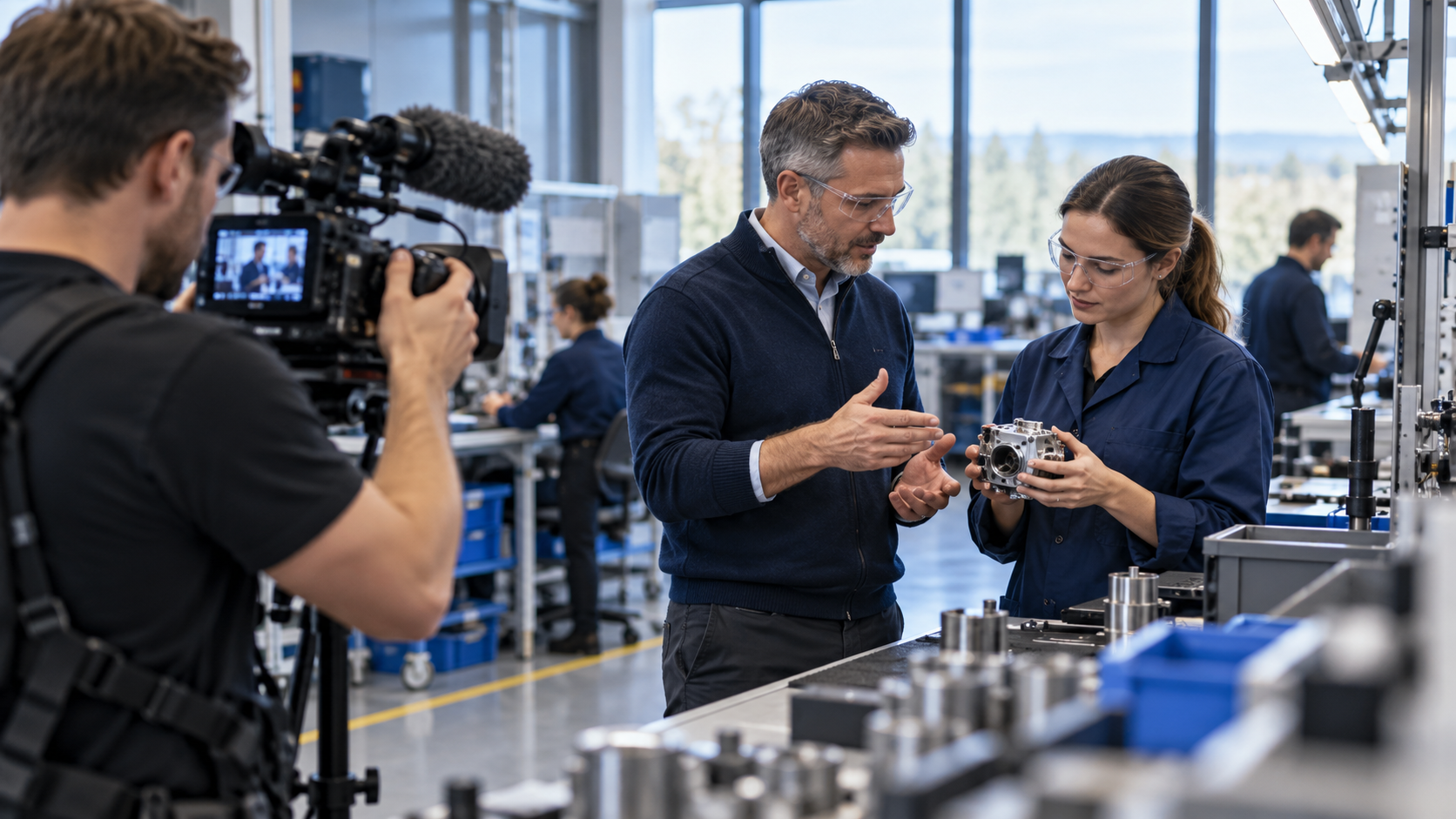
A B2B company overview video is a buyer-facing explanation of who the company serves, how it works, and what makes its approach credible. Its job is to reduce uncertainty before a sales conversation—not to recite the About page, the founding date, and every service line in one sitting.
This guide is for an overview video aimed at buyers, partners, or procurement teams. A candidate-facing company culture video has a different audience; see the employer brand video shoot plan. If the viewer needs to understand one specific solution mechanism, use a focused B2B explainer video instead.
Decide what a buyer needs to know
A buyer rarely needs a timeline of everything the company has done. They need to know whether the provider understands their situation, can deliver the work, and can support its claims. Choose one primary audience—such as a RevOps leader, an enterprise procurement team, or a channel partner—and list the questions that person needs answered.
| Buyer question | Useful answer | Evidence to prepare |
|---|---|---|
| Who do you serve? | The segment, role, problem, and operating context you are equipped to support. | A precise description of customers and use cases, not “every business.” |
| How does your work happen? | The steps, handoffs, tools, or delivery model a buyer can expect. | A real process, workflow artifact, or team interaction. |
| What makes the approach distinct? | A difference that changes how the work is delivered or the decision is made. | A concrete method, capability, or customer-approved example. |
| Can I trust the claim? | A proof point with a source, scope, date, and permission to use it. | Approved metric, certification, customer evidence, or operating artifact. |
| What is the next step? | A low-friction way to assess fit or ask a relevant question. | A working CTA and the team that owns the follow-up. |
If you cannot answer a question accurately, leave it out or label the limits. A polished video that introduces a claim no one can substantiate creates more work for sales and reduces buyer trust.
Use a buyer story, not a founder biography
A founder’s origin can be relevant when it explains why the company built a different operating model. It becomes a detour when it consumes the opening without helping the buyer understand their own problem. Start with the customer’s world, then show where the company fits.
- Opening: name the situation the target buyer recognizes and the decision they are trying to make.
- Company role: explain what the business does in one plain sentence.
- Operating model: show how the team approaches the work, from intake to delivery or ongoing support.
- Proof: show one approved example that demonstrates the method, not a string of unsupported superlatives.
- Fit: name the customers or problems the company serves best and any important boundary.
- Next step: invite the buyer to a relevant conversation or page.
LinkedIn’s B2B video-branding guidance highlights storyboarding around the viewer’s context, a coherent beginning-middle-end, and staying true to the brand’s authentic message. Apply that idea to the buyer’s questions: the story should make the company easier to assess, not simply more prominent on screen.
Build a claim-and-proof storyboard
Before booking a camera, pair every important spoken claim with a visual, an evidence source, and an approver. The table below is a production brief you can adapt:
| Beat | What the video says | What the camera shows | Who verifies it |
|---|---|---|---|
| Audience and problem | “We help multi-location service teams see which inquiries need follow-up.” | A real, sanitized intake or handoff process. | Marketing and operations. |
| How the company works | “The team connects lead capture, routing, and reporting before changing the campaign.” | Staff mapping the workflow or reviewing an approved system view. | Delivery lead. |
| What supports the claim | “Here is how the process is checked after launch.” | A checklist, QA record, or customer-approved artifact. | Operations and customer owner. |
| Where the model fits | “This approach is designed for teams with these inputs and owners.” | The people and process involved in a real handoff. | Sales and implementation. |
| Next step | “Discuss whether the current setup fits this process.” | A real team member and the correct destination. | Marketing and sales operations. |
This is an illustrative outline, not a statement about Scale Orbit or another company. Replace every sample sentence with a claim your team can document and approve. Do not show customer dashboards, contracts, identifiable people, or logos without permission.
Plan a small shoot around proof
A company overview does not need a parade of talking heads. A short list of scenes is easier to direct and more useful in the edit:
- One spokesperson explains the audience and problem in plain language.
- One subject-matter expert shows how the team handles a real task or decision.
- A producer captures contextual B-roll that makes the process understandable: tools, handoffs, planning, or quality checks.
- A customer example appears only if the customer has approved the exact quote, logo, metric, and placement.
- A final frame connects the company story to the buyer’s next step.
Use a quiet location with natural, even light; place the microphone close enough for clear speech; and record a short test before the full interview. Film interface screens with sanitized data and capture clean versions of any graphics that may need to change. For an in-person or hybrid company, film real work. For a distributed services team, show the actual collaboration method instead of implying that every employee shares one office.
Keep the message consistent across speakers
Give each speaker the same brief: who the audience is, what the buyer should understand, what facts must remain exact, and which phrases to avoid. Do not make every person repeat the same company slogan. Let the founder explain why the model exists, the operator describe how it works, and the customer—if approved—describe their own experience.
Record answers in short sections and ask for a concrete example when a phrase sounds broad. “We are customer-centric” becomes useful only when the video shows how a team makes a customer-related decision. Keep a natural cadence; a table read or short rehearsal can reveal jargon that sounds normal internally but unclear to a buyer.
Review the finished cut as a business claim
Before release, have marketing check the story; the delivery owner verify the operating model; sales confirm the buyer-facing language; and the source owners approve numbers, customer references, and proof. Check captions, names, lower thirds, links, brand marks, and any sensitive information visible in the background. Make sure a short social cut still preserves the qualification around the claim.
Create a clear master, a captioned version, and any channel-specific edits the distribution plan actually needs. Keep the date and owner of proof points in the project file. When services, markets, leadership, or delivery methods change, review the overview before another team sends it to prospects.
Place and measure the video where buyers use it
The company overview may belong on an About page, partner page, sales follow-up, event page, or a specific landing page. Match placement to intent. If the page exists primarily for watching a single video, Google recommends treating it as a dedicated watch page with its own title and description. If the video supports a wider company or product page, that page may remain a text result rather than a video-first result.
Measure buyer usefulness, not just plays. Look at whether sales teams send the video, which target accounts view it when the data is available and appropriate, whether buyers progress to a conversation, and which questions still arise afterward. Use those signals to improve the story or evidence. Do not claim that the video caused pipeline solely because it was watched before a deal closed.
Questions teams ask
Should the company overview include every service?
No. Name the primary model and audience, then direct viewers to the relevant service pages for detail. A list of services rarely explains how the company works or why it fits a buyer’s situation.
Can the same video be used for recruiting?
It can provide background, but a buyer-facing overview does not answer candidate questions about a specific role, manager, or working conditions. Link to a purpose-built recruiting story when that is the viewer’s need.
How often should the overview be refreshed?
Review it when a visible fact changes: core audience, delivery model, named leaders, customer evidence, service scope, or CTA. Keep a review date and a content owner so an old video does not keep circulating after the company changes.
Sources and related guides
- LinkedIn: Three principles for effective B2B video brand building — viewer context, storyboarding, and brand authenticity.
- LinkedIn: Build your brand with video — B2B brand video use cases.
- Wistia: Video production guide — planning, pre-production, filming, editing, and publishing.
- Google Search Central: Video SEO best practices — dedicated watch pages and unique video titles and descriptions.
- Related: employer brand video production for hiring teams.
How did this article land?
Choose one reaction. You can change it anytime.