

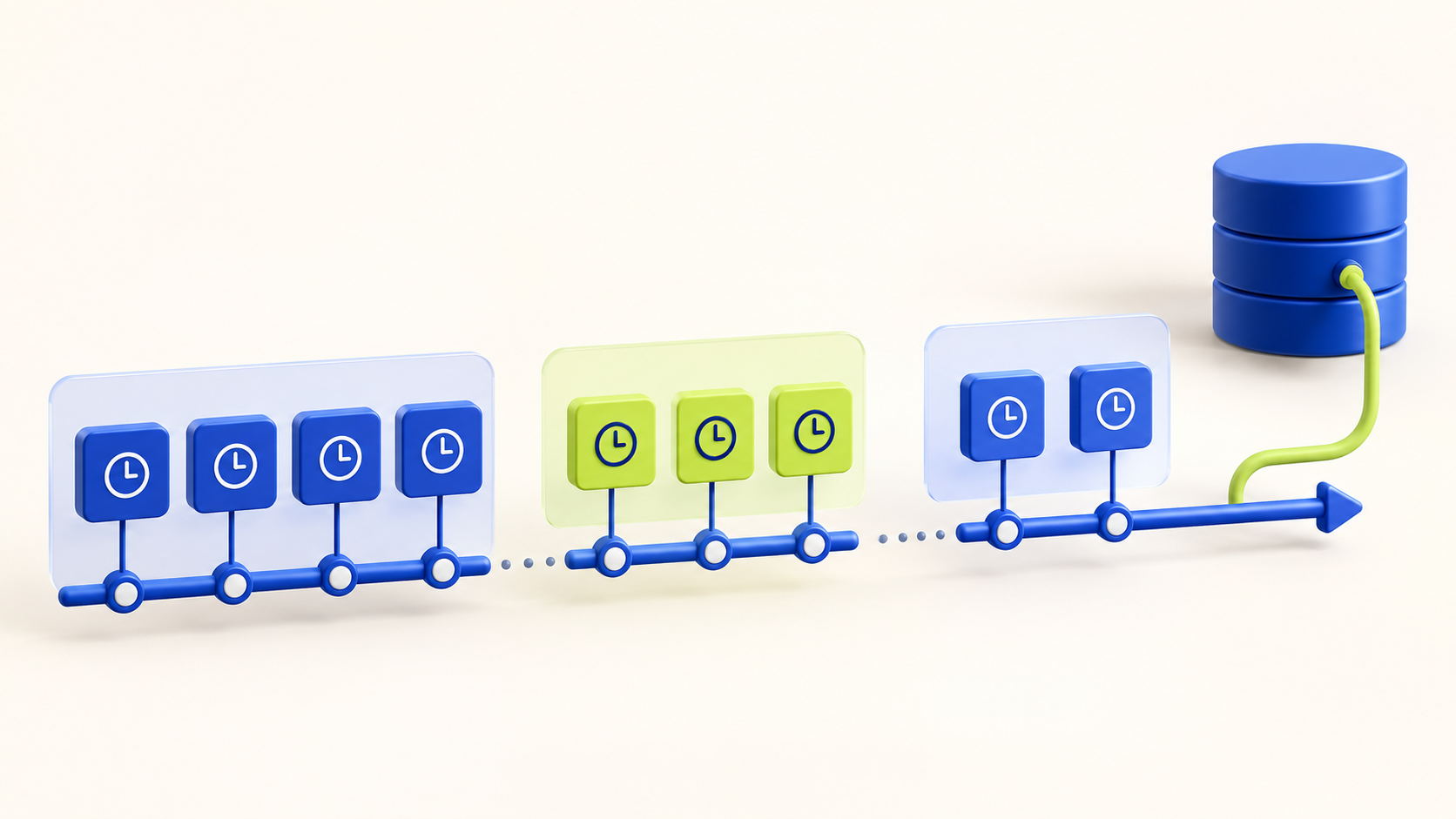
GA4’s BigQuery export is event-based: each row represents an event, not a ready-made session summary. For typical web analysis, extract the `ga_session_id` value from the event’s `event_params`, then group events by both `user_pseudo_id` and `ga_session_id`. The session ID alone is not a globally unique person-session key.
Use the exported session identifier when available
A minimal session table can calculate the first and last event timestamps and the event count. Replace the project, dataset, and date suffixes below with your own values; table naming and the reporting timezone should match your property’s export.
WITH events AS (
  SELECT
    user_pseudo_id,
    (SELECT ep.value.int_value
     FROM UNNEST(event_params) AS ep
     WHERE ep.key = 'ga_session_id') AS ga_session_id,
    event_timestamp,
    event_name
  FROM `your_project.analytics_123456.events_*`
  WHERE _TABLE_SUFFIX BETWEEN '20261001' AND '20261007'
)
SELECT
  user_pseudo_id,
  ga_session_id,
  TIMESTAMP_MICROS(MIN(event_timestamp)) AS first_event_utc,
  TIMESTAMP_MICROS(MAX(event_timestamp)) AS last_event_utc,
  COUNT(*) AS event_count
FROM events
WHERE user_pseudo_id IS NOT NULL
  AND ga_session_id IS NOT NULL
GROUP BY user_pseudo_id, ga_session_id;
Interpret the result carefully
The query above returns a useful event-session summary, but its first event is not necessarily a guaranteed session-start event. A session may have missing parameters on some events, and exported rows can arrive late or be updated. Use the `session_start` event when you specifically need to analyze that event, and compare it with the timestamp-based result.
Duration derived from first and last events is an observed event span, not necessarily the same as a user’s active engagement time. A single-event session can have a zero span even when a person spent time on the page.
- Use `user_pseudo_id` plus `ga_session_id` for the common web session key.
- Keep null-ID events in a separate quality check instead of silently assigning them to a session.
- Distinguish elapsed event span from engagement duration and session attribution.
When custom sessionization is needed
For product analytics or server events without a usable GA session ID, you may need to define sessions from inactivity gaps or an application-specific session key. State the gap threshold, timezone, user identity, and ordering rule explicitly. A custom session definition answers a different question from reproducing GA4’s session grouping.
Use window functions such as `LAG` to compare each event timestamp with the prior event for a user, mark new groups, and assign a cumulative session number. Test boundary cases around midnight, delayed events, identity changes, and simultaneous timestamps.
- Prefer the exported GA4 identifier when the goal is GA4-aligned reporting.
- Use a custom rule only when the analysis needs a different session definition.
- Document whether events are ordered by event timestamp, ingestion time, or another reliable sequence.
Validate before comparing to reports
BigQuery export and the GA4 interface can differ because of reporting identity, attribution, consent-related modeling, late events, filters, and date boundaries. Reconcile a small, clearly defined period and compare like-for-like metrics before treating a difference as a defect.
Also review query cost: scan only the required date tables and columns, and consider a partitioned session summary for recurring analysis.
How did this article land?
Choose one reaction. You can change it anytime.